SVG to Slides › Docs › User's Guide › The command palette
User's Guide · How to
The command palette
The information in this topic applies to:
- SVG to Slides Chrome extension, version 1.3.0
Press COMMAND+\ to open a searchable list of every command with its shortcut. Type a few letters, move with the arrow keys and press ENTER to run the command.
To run a command by name
- Press COMMAND+\, or click Commands on the toolbar.
- Type part of the command’s name. The list narrows as you type.
- Press UP ARROW or DOWN ARROW to move, and ENTER to run the command.
Press ESC, or COMMAND+\ again, to close the palette without running anything.
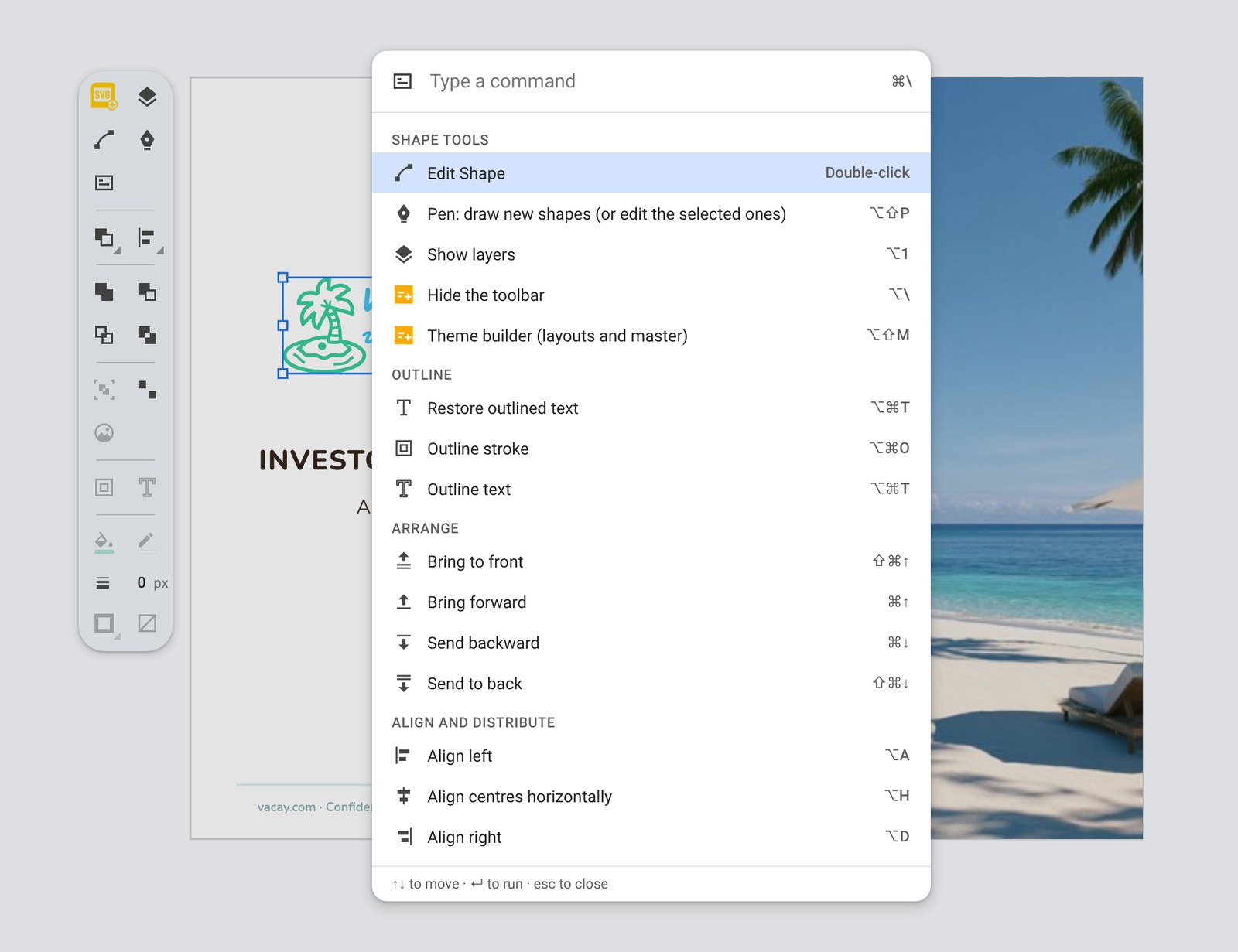
What the palette lists#
Commands are grouped: Shape tools, Outline, Arrange, Align and distribute, Combine, Group, Fill and stroke, Transform and stroke. The full list with descriptions is in Command reference.
Commands that need a selection are dimmed while nothing is selected. The Pen, the Layers panel, the toolbar and the theme builder can be opened at any time.